function updateHeaderHeight() {
        // Get the height of #brx-header
        const headerHeight = document.querySelector('#brx-header').offsetHeight;
          
        // Store the height in the CSS custom property --header-height
        document.documentElement.style.setProperty('--brxw-header-height', headerHeight + 'px');
    }

    // Execute the function as soon as the document is ready
    document.addEventListener('DOMContentLoaded', function() {
        updateHeaderHeight();  // Initial update of header height when the document is ready

        // Update the header height on window resize and orientation change
        window.addEventListener('resize', updateHeaderHeight);
        window.addEventListener('orientationchange', updateHeaderHeight);
});

Professional hosting and 100% stable communication for your enterprise.

In a professional environment, your email is your brand’s identity. At UKICT, we provide enterprise-grade email solutions designed to ensure your business communication is secure, branded, and always online. Unlike standard agencies, we offer our own high-performance email infrastructure, giving you more control, better privacy, and dedicated stability.

Choose Your Business Email Plan

Flexible Month-to-Month Rolling Plans | No Contract | Cancel Anytime
All plans include seamless, hassle-free email migration services handled entirely by our IT team.

  • Starter Plan
    Best for Sole Traders and Micro-Businesses
    £4
    / month
    • Storage: 20 GB total storage
    • User Limit: Max. 4 email users
  • Standard Plan
    Perfect for Growing Local Teams
    £10
    / month
    • Storage: 60 GB shared storage
    • User Limit: Max. 10 email users
  • Premium Plan
    Scalable space for established businesses.
    £15
    /month
    • Storage: 100 GB high-capacity shared storage
    • User Limit: Max. email users
  • Enterprise Plan
    Tailored corporate infrastructure.
    £ Custom
    / month
    • Storage: Unlimited / Tailored to your requirements
    • User Limit: 20+ users (No upper limit)
UKICT Email Services Policy

Core Email Features Included in All Plans

Hassle-Free Migration

Full setup and migration service handled entirely by our IT team to transfer your existing mailboxes seamlessly

Professional Branding

Custom email addresses using your own domain name (eg.name@yourcompany.co.uk)

Universal Compatibility

Full sync and support for Microsoft Outlook, Apple Mail, Windows Mail, and all iOS/Android mobile devices.

Secure Webmail Access

Log in securely from any web browser worldwide via our clean, responsive webmail interface.

Enterprise Security

Advanced anti-spam, malware, and phishing protection to keep your inbox safe.

Reliable Protocols

Industry-standard secure IMAP, POP3, and SMPT configurations.

Billing & How it works

Payment Timing

  • Upfront Activation : To protect our engineering time, your initial setup and mailbox migration will begin immediately after your first month’s invoice is settled.
  • Hassle-Free Recurring Billing : All subscriptions are billed automatically every 30 days via PayPal. No manual tracking required.
  • 100% Flexible : Scale your users up or down at any time.  Your next bill will automatically adjust to reflect your active user count.

Simple 5-Step Setup Procedure

We handle all the technical heavy lifting so you can focus on your business.  Here is what happens next :

1.Submit Your Enquiry

Takes 2 minutes
Fill out our quick online form with your user count, chosen plan, and domain details.

2. Receive Your Invoice

Takes 2 minutes
Fill out our quick online form with your user count, chosen plan, and domain details.

3. Activate Your Subscription

Instant Payment
Review the invoice and approve the rolling monthly payment securely via PayPal. Your project is officially scheduled!

4. We Migrate & Configure

Secure & Seamless
Our team securely creates your new business mailboxes, transfers your old emails, andlinks everything perfectly to your domain name.

  • Starter & Standard Plans: Migration completed within 2 working days.
  • Premium Plan: Migration completed within 4 working days.
  • Enterprise Plan: Timeline tailored based on infrastructure scale.

5. Go Live!

Zero Downtime
We send you your secure login details and simple step-by-step guides to connect your new business email to Outlook, Apple Mail, or your mobile devices.

Need help or have questions?

We are here for your at every step of your journey. Whether you are just getitng started, need a technical adjustment down the line, or have any other questions at all, please feel free to email us anytime, anywhere and fo ranything at support@ukict.co.uk. Our IT tema is always ready to assists!

Email Features

Let ITDHK become your most reliable digital work partner, redefining how you connect with the world

Advanced Email Editor

Elevate your emails with UKICT robust editor, featuring over 25 customizable formatting options to craft professional, polished messages that make a strong impression.

Integrated File Previewer

Skip the hassle of downloading attachments. UKICT lets you instantly preview documents, spreadsheets, presentations, images, audio, and video files right from your inbox.

Scheduled Email Delivery

Finished an email but it’s too late to send? With UKICT, schedule your email to arrive at the perfect time, like Monday at 8:30 AM, ensuring it’s the first thing your recipient sees.

Email Snoozing

Overwhelmed by emails? With UKICT, snooze any conversation to reappear later—say, tomorrow—keeping your inbox clear and letting you focus on what’s urgent.

Large File Sending

Tired of restrictive email size limits, like 25MB? UKICT allows you to send massive files to any email address without relying on third-party sharing apps.

Canned Responses

Save time on repetitive emails. UKICT’s canned responses let you send pre-written replies to common questions in seconds, boosting efficiency.

Email Follow-Up Reminder

Worried about forgetting to follow up? Set a reminder in UKICT—for example, in one week—and stay on top of important conversations.

Delayed Sending

Avoid email regrets like typos or hasty messages. UKICT’s delayed sending gives you a window to cancel or edit before your email goes out.

Email Health Indicators

Protect yourself from scams. UKICT displays indicators next to each email, helping you easily identify and avoid suspicious messages.

Machine Learning Filters

Train UKICT with machine learning to recognize wanted or unwanted emails, automatically sorting or acting on them based on your preferences.

Undo Action

Accidentally deleted an email? UKICT’s undo button instantly reverses actions, making it simple to recover from mistakes.

Custom Mailbox Organization

Create simple or nested folder structures in UKICT, with customizable icons and colors for a visually organized email experience.

Automated Filters

Take control of your inbox. Set filters in UKICT to automatically mark emails as read or move them to specific folders, like an “Annoying” folder for unwanted senders.

Advanced Search

Find anything in your inbox, even years-old attachments, with UKICT’s powerful search that delivers precise, relevant results.

Easy Email Import

Moving emails doesn’t have to be a chore. UKICT’s import tool simplifies the process—just enter your account details and let it handle the rest.

Server-Side Autoresponder

Going on vacation? UKICT’s built-in autoresponder runs on the server, ensuring replies go out even if your device is offline.

Professional Email Signatures

Choose from over 20 pre-designed, auto-populated email signatures in UKICT to create a polished, professional impression.

Shortcut Menus

Speed up tasks with UKICT’s shortcut menus, offering quick access to contextual actions for selected emails or items.

Personalized Settings

Tailor UKICT to your communication style, with flexible settings to control how you read, write, send, and track emails.

Suspicious Link Warnings

Stay safe from malicious links. UKICT flags potentially dangerous URLs in emails, protecting you from malware and scams.

Integrated Audio & Video Calls

Transition from email to calls seamlessly. UKICT supports high-quality audio, video, chats, or conferences without leaving your inbox.

Built-In Screen Sharing

Collaborate effortlessly with UKICT’s screen-sharing feature, eliminating the need for third-party apps to share or view screens.

Global Instant Communication

Invite anyone to join a channel or call with a single link—no apps or forms required—for seamless, real-time global communication.

Real-Time File Sharing

Share files instantly in UKICT channels by dragging and dropping, making them immediately accessible to all participants.

Personal Cloud Storage

Drag and drop files to your UKICT online storage for quick access from any device, including email attachments or other data.

Team File Sharing

Share files with your team by dropping them into UKICT’s shared “Company” folder, accessible to everyone in your group.

Effortless File Sharing

Share files or folders with team members or external contacts via UKICT, using simple contact selection or shareable links.

Quick Share Box

Drop files into UKICT’s Quick Share Box for instant uploads, with a shareable URL automatically copied to your clipboard.

Robust File Manager

Manage files with ease using UKICT’s File Manager, which supports standard features plus extras like PDF conversion and email sharing.

Unified Contacts Interface

Access all your contacts in one intuitive ITDHK interface for streamlined communication.

Contact Card Access

Hover over a contact’s avatar in UKICT to view their card, start an email, chat, or edit their details instantly.

Dark Mode

Reduce eye strain with UKICT’s Dark Mode, designed for comfortable use in low-light environments or at night.

Enhanced Security & Recovery

Add an extra layer of protection with UKICT’s Two-Factor Authentication (2FA) and multiple recovery options for lost account access.

Multi-Account Support

Manage multiple email accounts in UKICT without logging in and out, switching seamlessly between them.

Multitasking Made Easy

Minimize windows in UKICT to juggle tasks like replying to emails while on a conference call, boosting productivity.

Multilingual Interface

Use UKICT in your native language, with support for over 100 languages and both LTR and RTL text directions.

Unified Communication Dashboard

Access emails, channels, files, notifications, and quick uploads from a single, intuitive UKICT dashboard.

Auto-Purge Old Emails

Free up space with UKICT’s auto-sweep feature, which deletes old emails from trash, spam, or other folders after a set time.

All-in-One Email Access

Connect Gmail, Outlook, Yahoo, Yandex, AOL, or any IMAP account to UKICT for unified access from one interface.

Mobile Apps

Stay connected on the go with UKICT’s fully-featured Android and iOS apps for seamless communication.

Flexible Note-Taking

Jot down quick thoughts or create detailed notes with checklists, images, or links in UKICT, accessible across devices.

Plain-Text Notes

Write distraction-free with UKICT’s plain-text notes, using a single font and style for quick, simple note-taking.

Rich-Text Notes

Create formatted notes with images or attachments in UKICT for more complex or visually rich content.

Visual Sketch Notes

Organize tasks with UKICT’s checklists, ensuring consistency, reducing errors, and boosting efficiency.

Visual Sketch Notes

Capture ideas with UKICT’s visual notes, combining handwriting, drawings, and shapes for creative note-taking.

Note Tagging

Categorize and prioritize notes in UKICT with tags, making it easy to find, filter, or share important items.

Collaborative Notes

Share notes with others in UKICT for real-time edits and updates, with owner control to manage access.

Note Reminders

Set reminders for time-sensitive notes in UKICT, with customizable dates and times to stay on track.

Our IT & Communication Solutions:

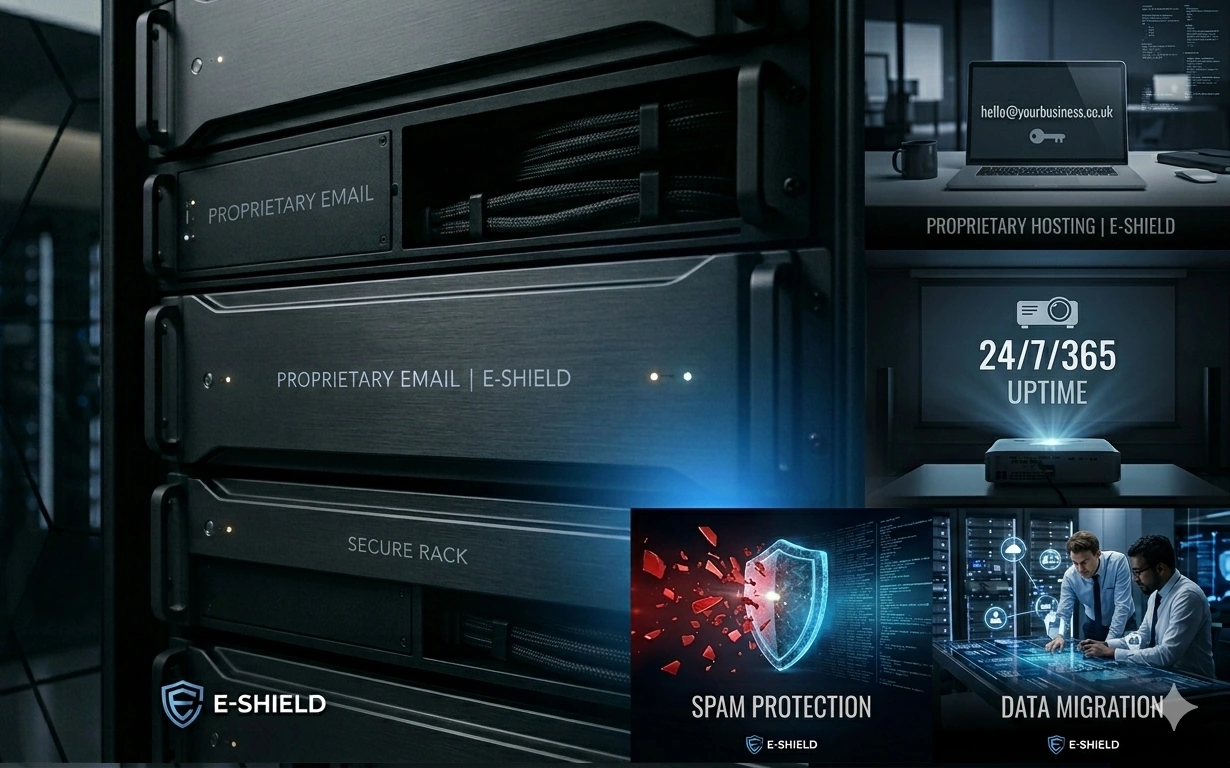
Custom Proprietary Email Hosting

For businesses seeking maximum privacy and dedicated performance, we provide our own professional email services. Hosted on our secure, high-speed servers, these accounts offer a robust alternative to "big tech" platforms with direct support from our team.

Branded Professional Suites

Move beyond generic providers with a custom @yourbusiness.co.uk address. Whether you prefer our in-house email servers, Microsoft 365, or Google Workspace, etc... , we set up and manage the entire suite to establish immediate trust with your clients.

100% Stability & Uptime

We understand that every minute of downtime is a lost opportunity. Our proprietary hosting environments are built on redundant, high-availability architecture to ensure your email and web services remain operational 24/7.

Advanced Threat Protection

Email is the most common entry point for cyber threats. We implement robust SPAM filtering, anti-phishing protocols, and end-to-end encryption to protect your sensitive business correspondence across all our platforms.

Seamless Migration Services

Our technical team handles the entire migration process transferring your existing emails, contacts, and calendars to our stable infrastructure with zero data loss and minimal downtime.

Whether on our own secure servers or global platforms, we provide communication you can trust.

Secure your business identity with the technical discipline of UKICT.

Book Straegy session
UK Account Management • Global Development Hub